
Every growing business eventually hits the same moment. A team needs something your software does not do: an approval flow that matches how you really work, a report your finance lead has been rebuilding in spreadsheets, an integration between two systems that were never meant to talk. Someone asks, “Can we just build that?” It is one of the most consequential questions a leadership team faces, and it is usually framed as a binary choice: build or buy. In practice, there is a third option of custom feature development, which often delivers the best return: extend what you already own.
This blog gives executives a clear way to decide between the three, along with the costs and risks that rarely appear in the first proposal.
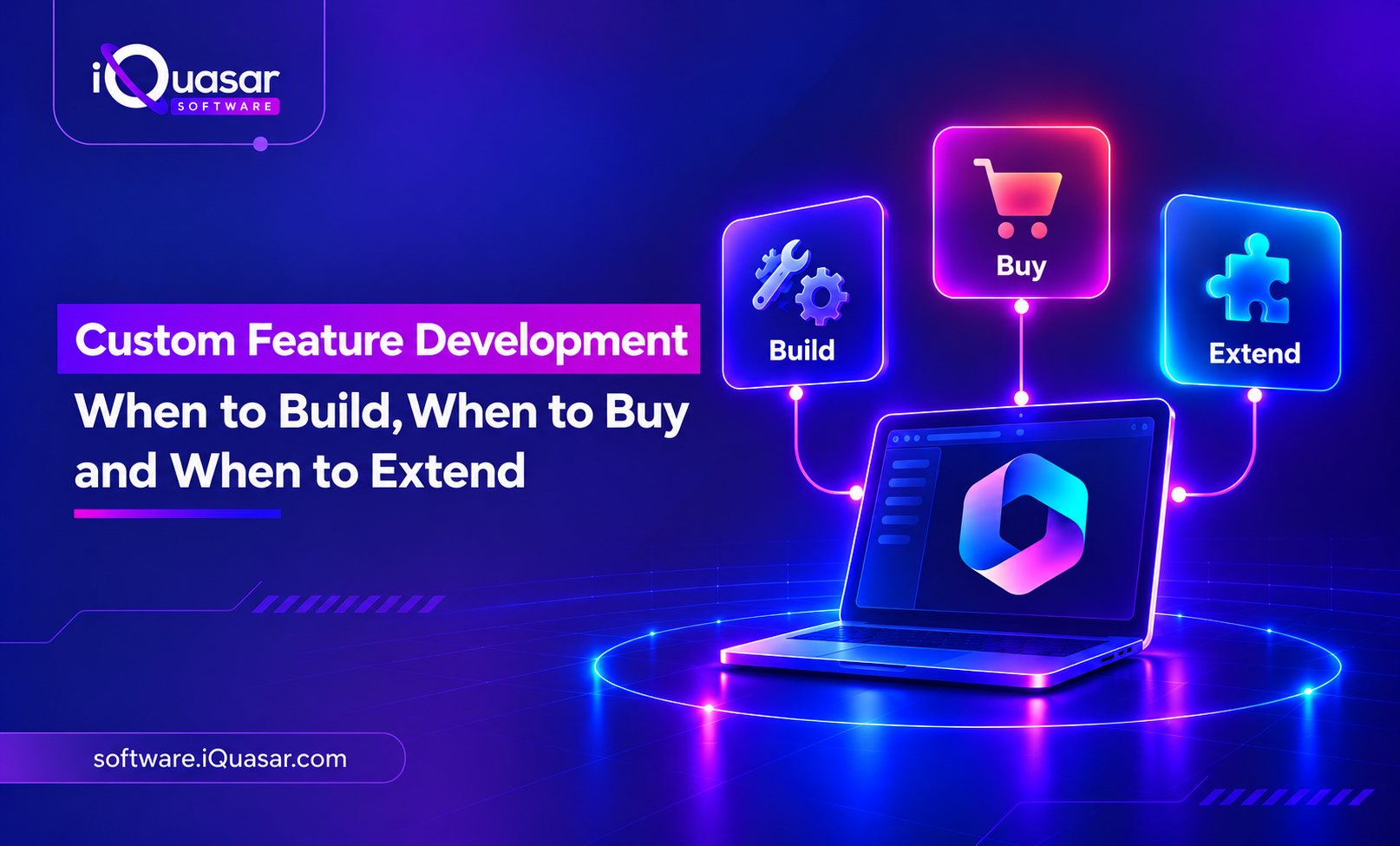
The three options, defined
- Build: Commission a custom feature or application tailored to your requirements.
- Buy: Adopt an off-the-shelf product or add-on that already does most of what you need.
- Extend: Add to or adapt your existing platform, such as your ERP, CRM, or Microsoft environment, through its configuration, scripting, APIs, or add-ons, so the new capability lives within a system you already run.
Each has a place. The mistake is choosing out of habit or enthusiasm rather than according to the nature of the need.
Start with one question: Does this differentiate us?
The most useful filter is strategic. Ask whether the capability gives you a competitive advantage or simply keeps the business running.
- If it differentiates you, such as a proprietary pricing engine, a unique customer experience, or a distinctive way of fulfilling orders, building is often justified. You want to own it and shape it.
- If it is commodity work, such as payroll, standard invoicing, or basic reporting, buying almost always wins. Your customers will never notice, and a vendor has already solved the problem at scale.
- If it is in between, a standard process with company-specific rules, extending is usually the sweet spot.
When to build
Custom feature development makes sense when:
- No product fits. You have evaluated the market, and nothing covers the core of your requirement without heavy compromise.
- The feature is strategic. It is tied to how you win, and you need control over its roadmap.
- Your process is genuinely unique. Adapting it to a standard tool would damage something valuable.
- You need deep integration. The capability must be tightly integrated into your own systems and data.
- Scale or performance demands it. Off-the-shelf options cannot handle your volume or constraints.
What to watch for: building means owning. You take on maintenance, security updates, documentation, testing and the need to keep skilled people available. A feature that costs a certain amount to build will keep costing money every year it exists.
When to buy
Buying is the better choice when:
- The need is common. Many companies share it, so mature products exist.
- Speed matters. You need the capability in weeks, not quarters.
- You lack in-house skills. Maintaining a custom build would stretch your team.
- Vendor innovation is valuable. You benefit from the product’s ongoing improvements without paying for them separately.
- The feature is not strategic. Being average at it is acceptable.
What to watch for: off-the-shelf products come with compromises. You adapt to their workflow, pay subscription costs that grow with usage, and depend on their roadmap and pricing. Integration is also rarely free, so budget for connecting new tools to your existing landscape.
When to extend
Extending is often overlooked and is often the most efficient path. It makes sense when:
- A platform already holds the data and process. Your ERP, CRM or Microsoft environment is the system of record, and the new capability belongs inside it.
- The gap is specific. The platform handles 80 to 90 percent of the need, and you require a targeted addition rather than a new system.
- You want to avoid another silo. Keeping the feature within an existing platform maintains consistency in data, security, and user experience.
- The platform supports safe customization. Modern business platforms usually offer sanctioned ways to add workflows, fields, scripts, and integrations without altering the core.
What to watch for: extensions can still create dependencies on the platform’s upgrade cycle. The more heavily you customize, the more testing and maintenance each new release demands. Following vendor guidance on keeping customizations outside the core is a good discipline.
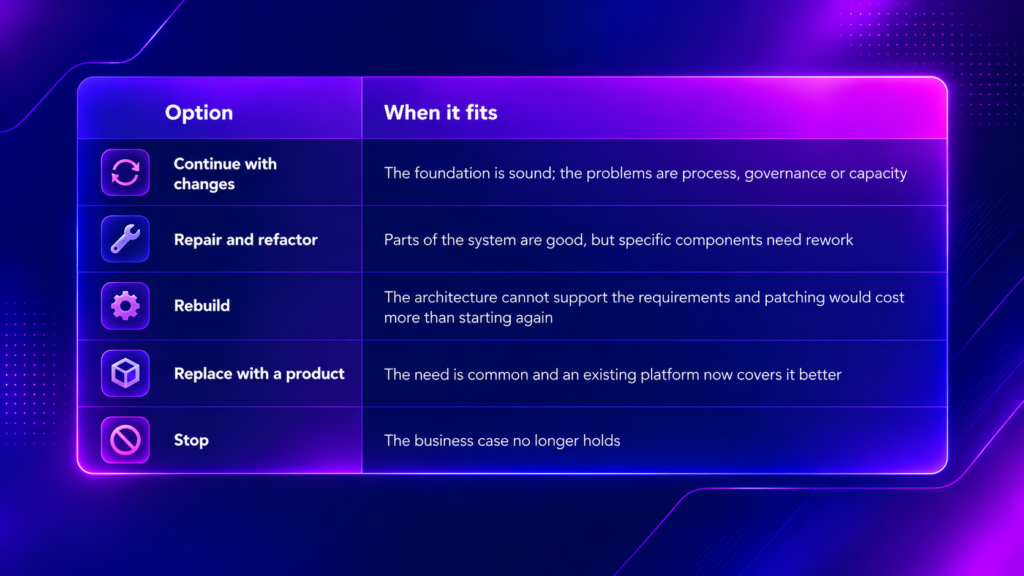
A quick decision table
The hidden costs that change the answer
Most business cases compare build cost against license cost. The real comparison is the total cost of ownership over three to five years.
For custom builds, include:
- Discovery, design and testing, not just coding
- Ongoing maintenance, hosting and security patches
- Documentation and knowledge transfer
- The cost of key-person dependency
- Changes as the business evolves
For purchased products, include:
- Subscription growth as users and data increase
- Integration and data migration
- Training and change management
- Costs of workarounds when the product does not quite fit
For extensions, include:
- Testing against platform upgrades
- Governance of customizations over time
- Skills needed to maintain platform-specific code
One cost deserves special attention: technical debt. The idea, popularised by software thinker Martin Fowler, is that shortcuts taken to deliver quickly create a “debt” that accrues interest in the form of slower, costlier future changes. Fowler’s explanation of technical debt is a useful read for any executive approving a custom build. Rushed features that bypass good design or documentation tend to become expensive later.
Seven questions to ask before approving custom development
- What business outcome will this custom feature development deliver, and how will we measure it?
- Is this capability strategic, or simply necessary?
- Have we genuinely evaluated off-the-shelf options and platform extensions?
- Who will own and maintain this after launch?
- How does it integrate with our existing systems and data?
- What is the realistic three-year cost, including maintenance?
- What is the exit plan if the feature is no longer needed or the vendor changes?
If a proposal cannot answer these clearly, it is not ready for approval.
How to reduce risk if you do build
- Start with a small, testable version. Deliver a minimum viable feature, learn from real use, then expand.
- Define scope in business terms. Outcomes and acceptance criteria prevent endless change requests.
- Insist on documentation and code ownership. You should be able to maintain the feature without depending on a single person or provider.
- Design for change. Modular, API-driven builds are easier to adapt than monolithic ones.
- Plan testing and governance. Automated tests and clear release processes protect you as the feature evolves.
Conclusion:
There is no universally right answer to build, buy or extend. Build what makes you different. Buy what is common. Extend what already lives in a system you trust. And whichever you choose, count the full lifecycle cost, not just the first invoice.
The most expensive outcomes usually come from skipping this discussion: building something that a product already handles, buying something that never fits, or extending a platform until upgrades become painful.
This is where an experienced partner can save you months. At iQuasar Software, we help organizations weigh these options honestly and then deliver on the path that fits, whether that means a custom AI agent, connecting your systems through system integration, or removing the constraints of aging platforms through legacy system modernization. Our approach is practical: define the outcome, choose the right route, and build in a way you can maintain.
Have a feature in mind and not sure whether to build, buy or extend? Talk to the iQuasar team, and we will help you work through the options before you commit budget.