
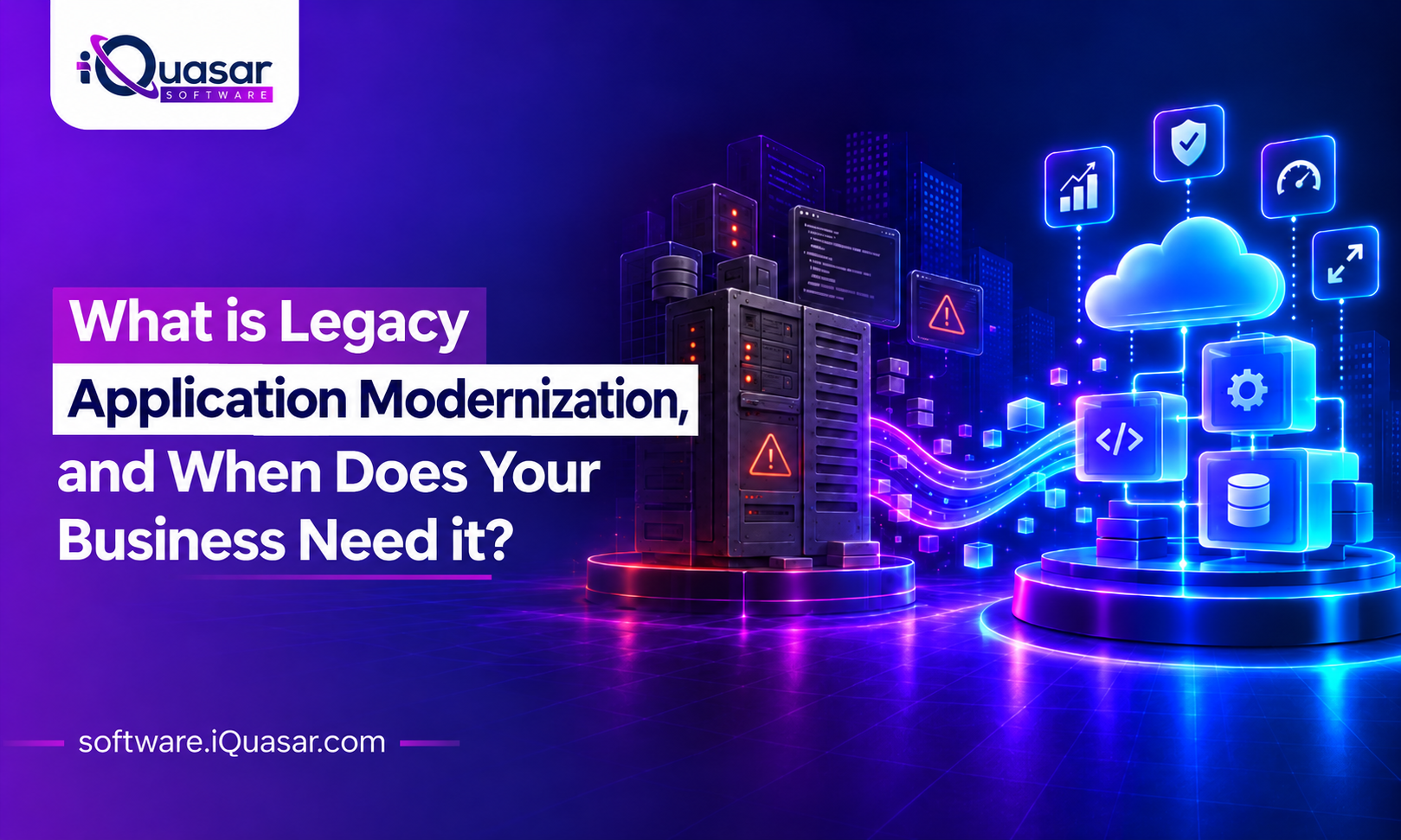
Legacy application modernization is one of those topics every leadership team nods along to and few feel fully confident about. So instead of a long essay, here is the conversation we have most often with executives, in the questions they actually ask.
The 30-second version: Legacy application modernization means updating or replacing ageing software so it can support what your business needs now, rather than what it needed when the system was built. You do not modernize because software is old. You modernize when it becomes the thing slowing you down.
The basics
Q: What counts as a “legacy” application?
It is less about age and more about limitation. An application is legacy when it still does important work but is hard to change, hard to connect, hard to secure or hard to staff. A system from last year can be legacy if it was built on a dead-end approach. A system from 2005 may be perfectly healthy if it is maintained and well designed.
Q: So what does “modernization” actually involve?
It is a spectrum, not a single project. Depending on the situation, it can mean:
- Moving the application to cloud infrastructure with few changes
- Upgrading its underlying platform, database or framework
- Restructuring the code so it is easier to maintain and extend
- Wrapping it with APIs so other systems and AI tools can use it
- Replacing it with a modern product
- Rebuilding it from scratch
- Retiring it because it is no longer needed
Most real programmes combine several of these across different applications.
Q: Is modernization the same as digital transformation?
No, though they are related. Digital transformation is the broader business change: new ways of serving customers, working and competing. Modernization is often one of the enabling steps, because it is hard to transform a business when its core systems cannot keep pace.
Is it time?
Q: How do I know when it is time?
Watch for these signals. If you recognise three or more, the conversation is overdue.
- Small changes take months. What should be a simple update becomes a major project.
- Few people understand the system. Knowledge sits with one or two individuals, or has already left.
- Integration is painful. Connecting it to new tools needs workarounds, manual exports or fragile scripts.
- Security and compliance worry you. Unsupported components, patching gaps or audit findings keep recurring.
- Running costs keep rising. Support, hosting and specialist contractors consume more each year.
- Users work around it. Spreadsheets and side tools quietly fill the gaps the system leaves.
- It blocks your plans. Analytics, automation or AI initiatives stall because data is locked inside.
- The vendor is retiring support. An end-of-life date is on the calendar.
Q: What if it still works? Isn’t “if it ain’t broke, don’t fix it” valid?
It is valid for a while. But “working” and “serving the business” are different things. A system can run without a single outage and still cost you speed, security, talent and opportunities. The real question is not “does it run?” but “what is it preventing us from doing?”
Q: Is there a quick way to check where we stand?
Try this five-question test for each major application. Score one point for every “yes.”
- Would a routine change take longer than a quarter?
- Does it depend on a person, vendor or technology that is hard to replace?
- Is it difficult to connect to our other systems or data?
- Does it carry known security or compliance risk?
- Is it holding back a strategic initiative?
0 to 1: Monitor it. 2 to 3: Plan it. 4 to 5: Prioritise it.
The cost question
Q: Isn’t legacy application modernization expensive?
It can be, and it should be weighed honestly. But the comparison is not modernization versus nothing. It is modernization versus the ongoing cost of the status quo: maintenance, workarounds, security exposure, slow delivery and lost opportunities. Those costs are often spread across departments and budget lines, so they stay invisible until someone adds them up.
Cost depends on the size and condition of the application, the approach chosen, the quality of existing data and documentation, and how many other systems it touches. For a rough starting point, our AI integration cost calculator can help frame the range for related work.
Q: What is the biggest hidden cost?
Doing nothing for too long. Delay narrows your options. Skills become scarcer, vendor support ends, risks accumulate and the eventual project becomes larger and more urgent than it needed to be.
Choosing an approach
Q: What are my options?
Cloud providers commonly describe seven strategies, often called the “7 Rs”: rehost, replatform, relocate, refactor, repurchase, retain and retire. AWS’s guidance on migration strategies explains each one. In plain business terms:
| Approach | What it means | Best when |
|---|---|---|
| Rehost | Move as-is to new infrastructure | You need speed and low change |
| Replatform | Move with targeted upgrades | The platform is ageing but the application is sound |
| Refactor | Restructure the code and architecture | The business logic is valuable but hard to extend |
| Rebuild | Rewrite from scratch | The foundation cannot support future needs |
| Repurchase | Replace with a product | The need is common and products now cover it |
| Retain | Leave it for now | Low risk, low value in change |
| Retire | Switch it off | It is no longer needed |
The right answer often differs application by application. A portfolio review is usually the smartest first step.
Q: Should we do it all at once or in phases?
Almost always in phases. A “big bang” replacement concentrates risk into a single go-live. A phased approach, starting with the applications that carry the most risk or the most value, lets you prove results, learn and adjust. It also keeps the business running while change happens.
Q: Do we have to replace the system to modernize it?
No. This is one of the most useful myths to retire.
| Myth | Reality |
|---|---|
| “Modernization means a full rewrite.” | Often, targeted upgrades or refactoring deliver most of the benefit. |
| “We must move everything to the cloud.” | Some workloads belong in the cloud; others do not. |
| “It will disrupt operations for a year.” | Phased delivery keeps disruption contained. |
| “Our system is too old to connect to anything.” | System integration can often expose legacy data and functions through APIs. |
| “We should wait until things settle down.” | Waiting usually raises cost and risk. |
Modernization and AI
Q: Why does AI keep coming up in modernization conversations?
Because AI is only as useful as the systems and data it can reach. Agents, copilots and analytics tools need clean access to your business information, and legacy applications often lock that information behind outdated interfaces, inconsistent formats or missing APIs.
Modernizing, or at least opening up, the systems that hold your core data is frequently the step that makes AI projects viable. Our AI integration services are built around exactly that connection.
Making it happen
Q: Where do we start?
Five steps work for most organisations:
- Inventory your applications. List what you run, who uses it, what it costs and what it connects to.
- Rate each one for business value and technical risk. The matrix quickly shows where to focus.
- Pick an approach per application. Use the options above.
- Start with a contained, high-value pilot. Prove the method and build confidence.
- Plan data, testing and change management early. These, not the code, are where most projects stumble.
Q: What are the most common reasons modernization fails?
- No clear business outcome, only a technical goal
- Underestimating data migration and integration
- Trying to do everything at once
- Skipping documentation and discovery of how the old system really behaves
- Neglecting user adoption and training
- No single accountable owner
Q: Who should do the work: our team or a partner?
Often both. Your people know the business and the system’s quirks. A partner brings legacy application modernization experience, additional capacity and an outside view of what is worth keeping. The strongest setups pair them and make sure knowledge ends up documented and shared rather than locked away again.
Quick reference: should we act now?
Act now if: support is ending, security risk is rising, change takes quarters, integration is blocking AI or growth, or a key knowledge holder is about to leave.
Plan for it if: costs are climbing, users are building workarounds, or new initiatives keep bumping into the system.
Monitor if: the system is stable, well understood, secure, and not in the way of anything important.
Conclusion:
Legacy application modernization is not about chasing the newest technology. It is about making sure the software behind your business can keep up with your ambitions. The right time is when an aging system begins to limit your speed, security, talent options or ability to use data and AI, and, ideally, a little before it becomes an emergency.
The good news is that modernization does not have to mean a risky, all-at-once rewrite. With a clear inventory, an honest view of value and risk, and a phased plan, most organizations can modernize steadily and keep the business running throughout.
If you are weighing where to begin, we can help. At iQuasar Software, we work with organizations to assess their application landscape, choose the right approach for each system, and deliver modernization in practical steps, including opening up older systems for integration and AI. Our legacy system modernization page explains our approach.
Not sure whether your applications are due for an upgrade? Talk to the iQuasar team for a candid conversation about where you stand and what the sensible next step is.